

Music Album
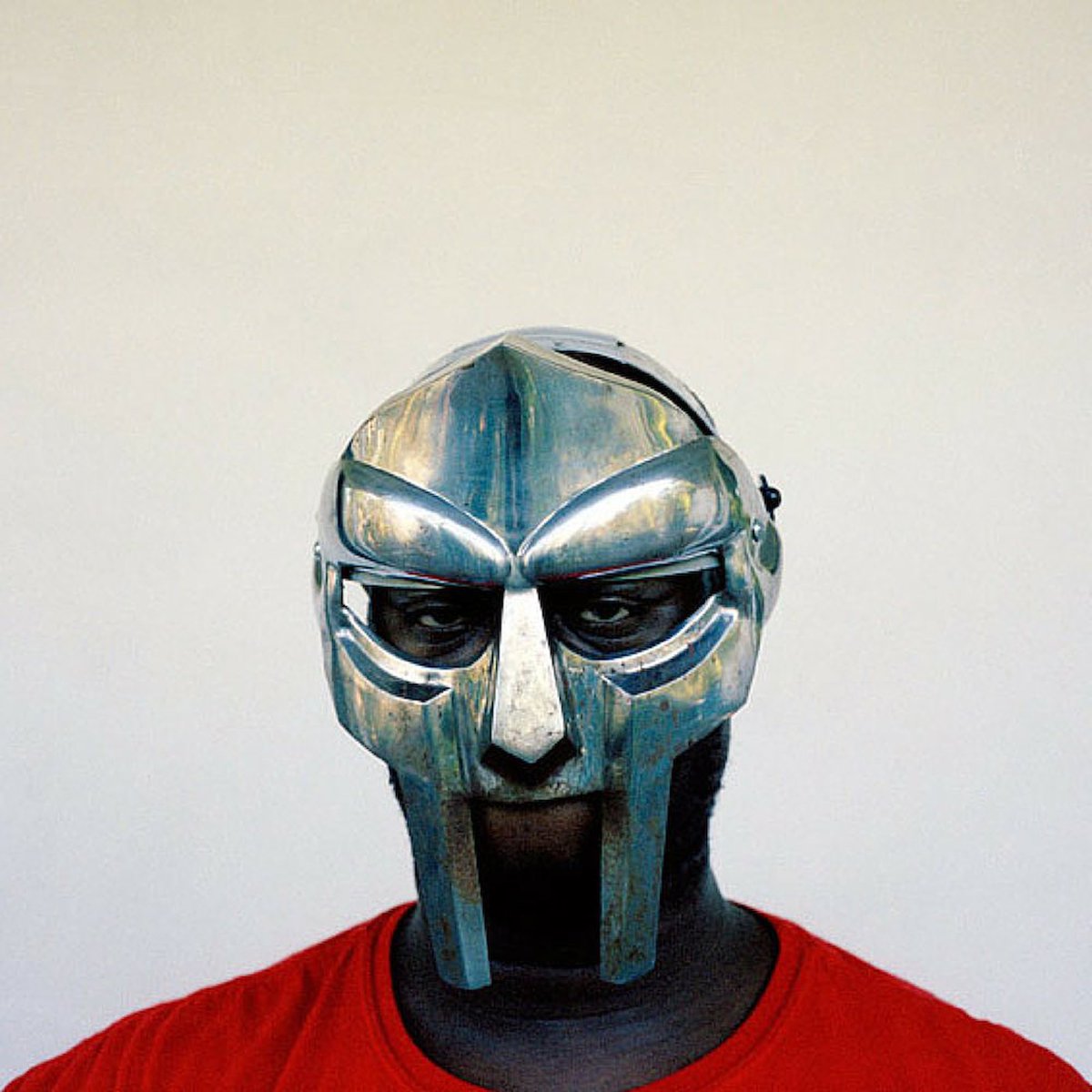
MF Doom / Rest In peace
Prepare your CSV file
Make sure your file is exported as a "CSV" file, also known as a "Comma Separated Values" file. If you encounter any issues you'll want to verify your file is UTF-8 encoded and less than 5mb. If your file is larger than that, try removing columns you may not need. See below for additional information on specific fields.
Tip: You do not have to import every column from your CSV. Only fields set up in your CMS collection in the next step will be imported.
Rich Text Fields
Formatted text content needs to be formatted as HTML. Many tags are supported, such as paragraphs and headers <p>,<h1>, <h2>), formatting (<em>, <i>, <strong>), links (<a>), lists (<ol>, <ul>, <li>) and images (<img>). Images from URLs will be automatically downloaded from their original source and imported into Framer.
Image Fields
Images in your CSV content must be URLs to an image. They will be downloaded and imported into Framer. Relative paths are not supported.